The EVONOTE ecosystem is a complete learning platform built from three pillars:
- the student’s hardware,
- the cloud infrastructure, and
- the web interfaces for students, parents, and teachers.
The Package is what the student receives. It represents the hardware terminal — engineered to give the student a pure, distraction-free writing experience while keeping them effortlessly connected to the rest of the ecosystem.
Although the cloud infrastructure operates seamlessly in the background, access to it comes pre-programmed and pre-activated directly on the device. There are no extra subscriptions to buy and no hidden fees — your lifetime cloud connectivity is ready right out of the box.
The Notebook: The Student’s Daily Workspace
This is the primary daily touchpoint of the EVONOTE ecosystem, the student's main tool.
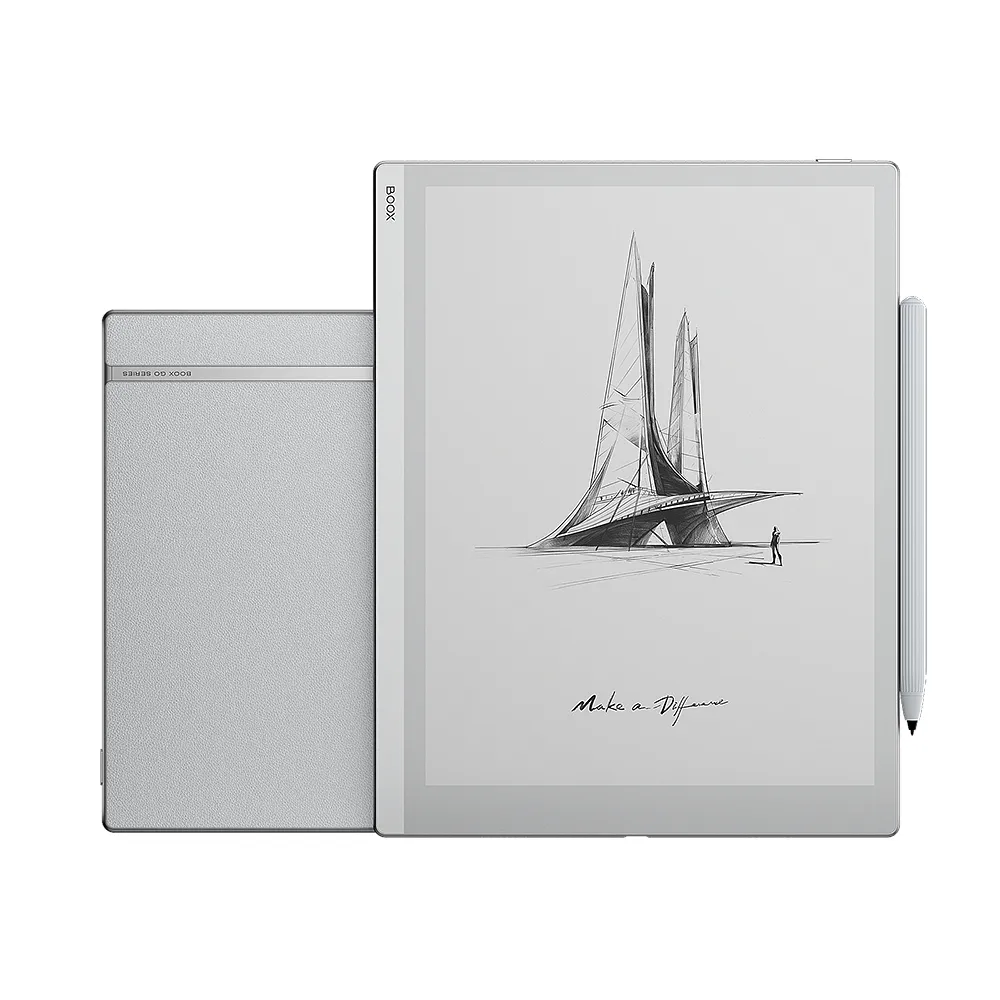
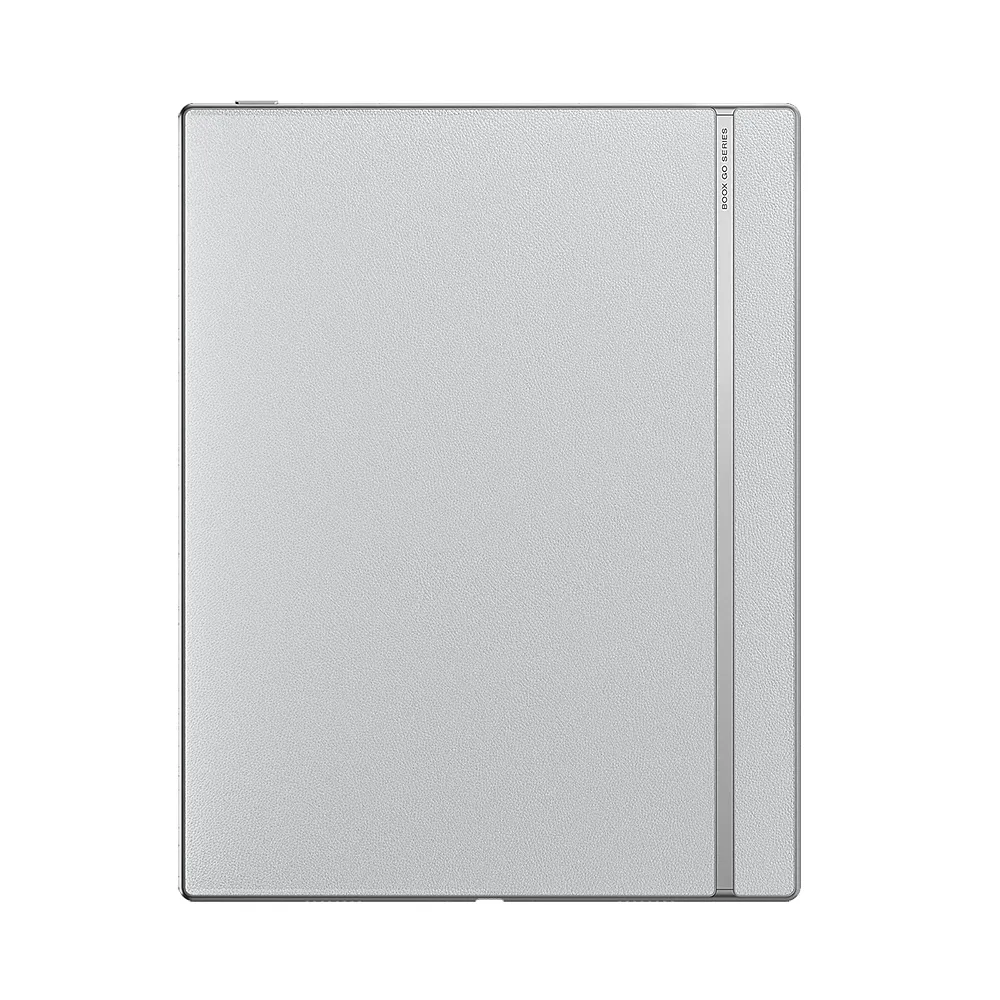
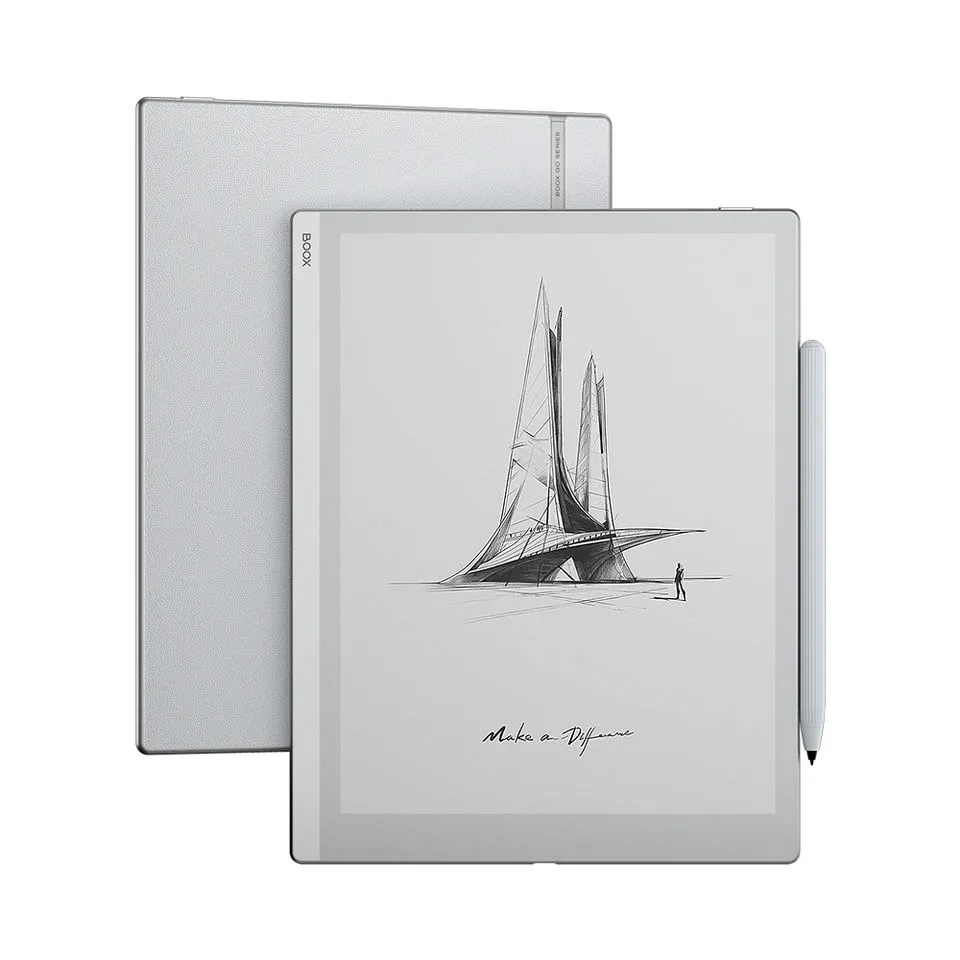
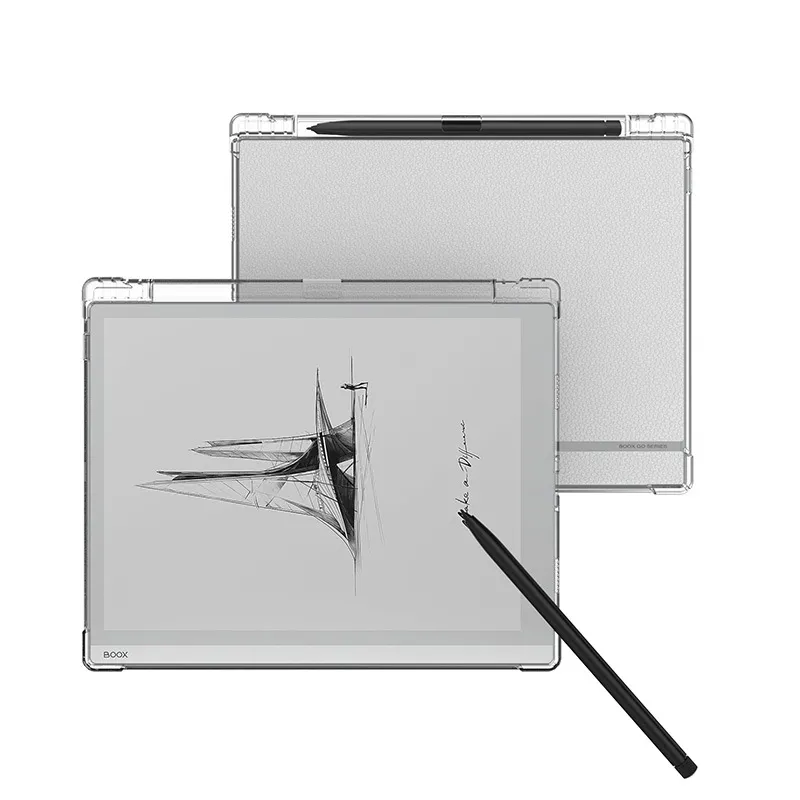
It is a dedicated digital notebook built for deep focus. For the hardware foundation, we selected the BOOX Go 10.3 model — recognized for having one of the best, most paper-like E-Ink displays on the market, packed into a remarkably thin A5 design.
We chose this top-tier hardware to dramatically lighten the backpack without sacrificing screen quality, but we transformed how it operates:
Pure focus through EVONOTE Kiosk Mode.
While standard tablets come with endless distractions, we lock the hardware into our dedicated EVONOTE interface. The student gets a clean, pure digital notebook — no web browsers, no app stores, no social media, and zero interrupting notifications. Just digital paper designed exclusively for class.

The Protective Case: Desk-Proof Protection
Now that you have the ideal tablet, it needs to survive the classroom.
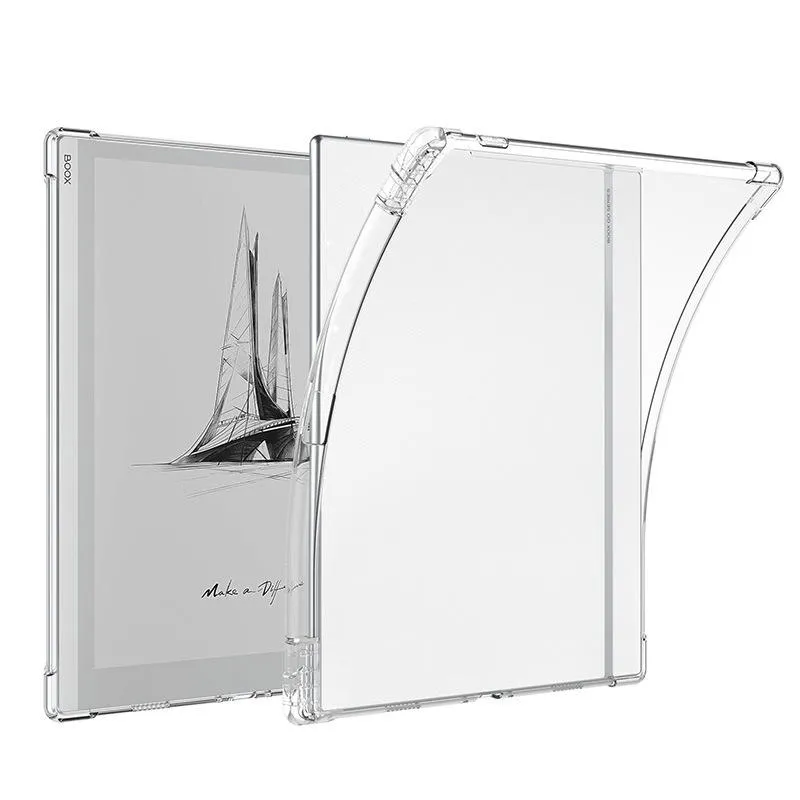
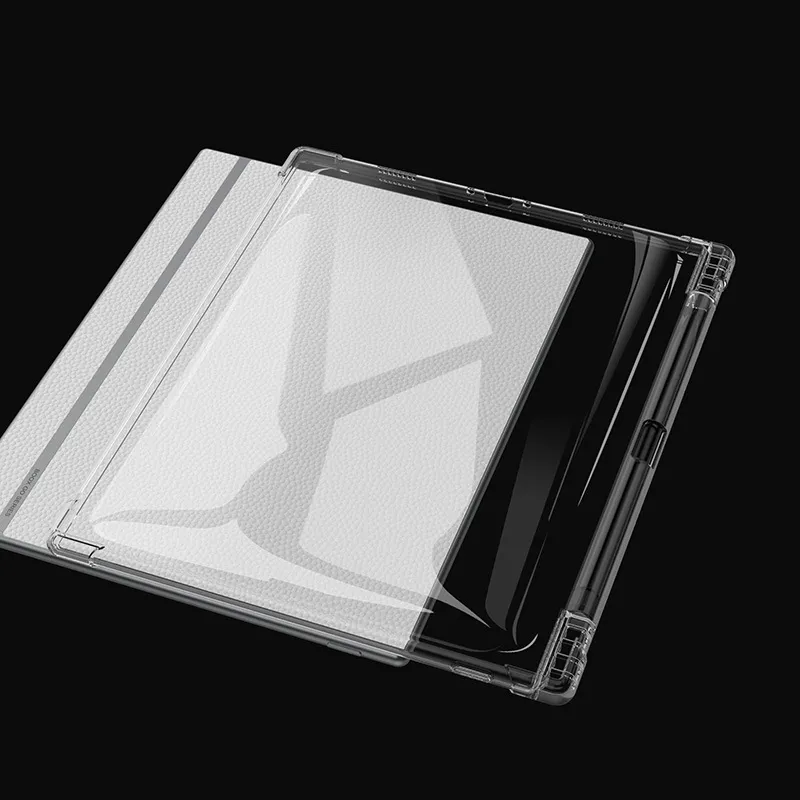
A student's desk is a dynamic, fast-moving space. To make sure the device is protected without adding bulk or getting in the way of writing, we paired it with a flexible, shock-absorbing clear case that stays permanently fitted onto the tablet — during transport and while taking notes.
- Integrated Stylus Slot: Features a dedicated holder so the pen stays securely attached to the frame and never rolls off the desk or gets lost.
- Reinforced Corner Bumpers: Made from durable, high-grip material with extra padding on the corners to absorb impact from slips, bumps, and accidental desk drops.

The Commuter Sleeve: Transit Shield
Desk protection is only half the battle — now you have to get it to school safely.
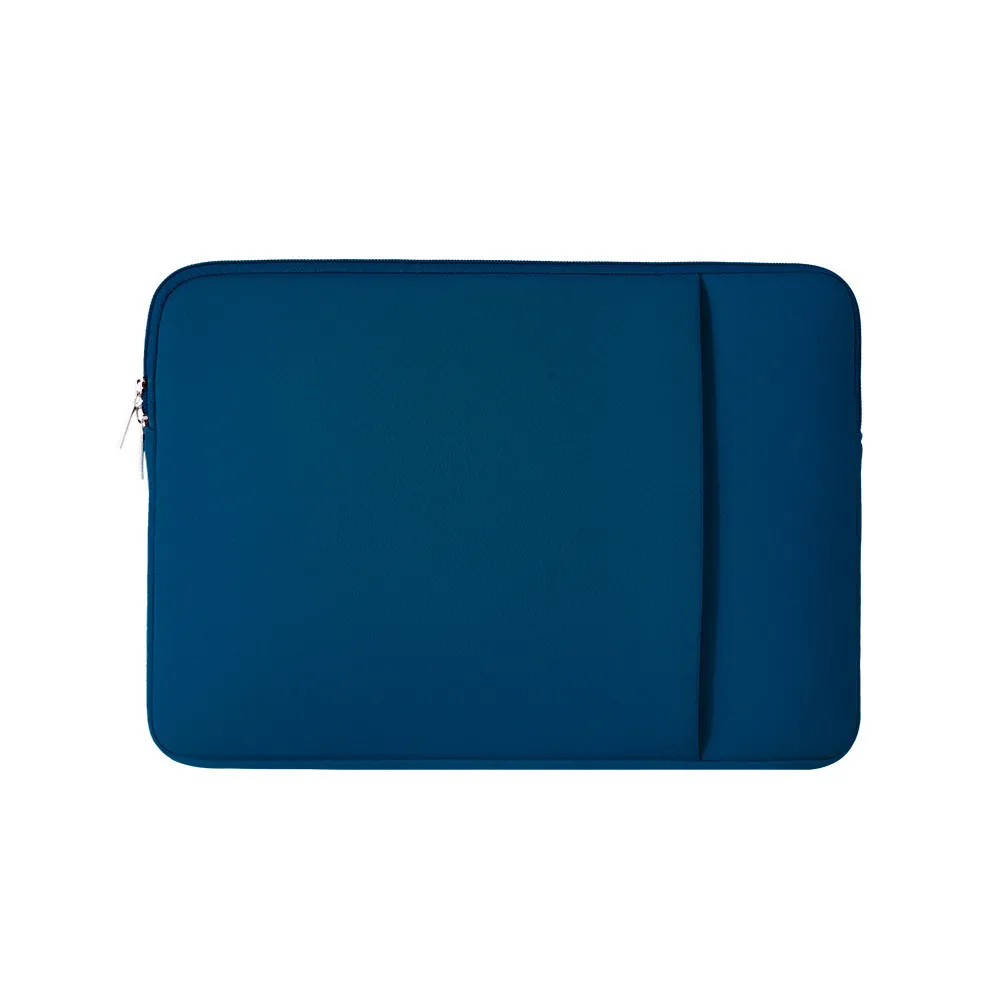
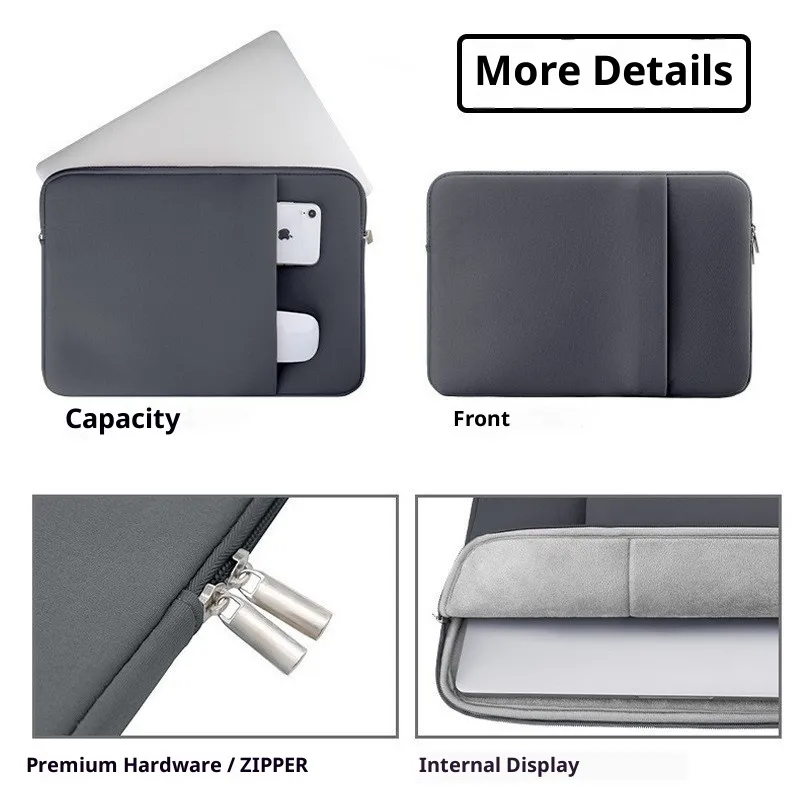
A student’s day doesn't start at the desk; it starts in crowded buses, busy subways, and packed backpacks. While the flexible case protects the tablet while writing, this heavy-duty sleeve completes the setup by safeguarding the display during daily transit — like when a bag gets tossed on the floor or squeezed under a seat.
- Sized for the Complete Setup: Encloses the tablet with its protective case already on — no need to take the case off before zipping up.
- Weather & Water-Resistant Exterior: Features a tough outer fabric that protects the device from rain, accidental spills, and daily wear in a packed bag.
- Plush Fleece Interior: Lined with an ultra-soft fleece layer that cushions the E-Ink screen against pressure, scratches, and impact during travel..
Cloud & Web Interfaces: Included Access
The hardware is where writing happens — the cloud is where learning gets organized.
Most cloud storage is just a digital junkyard where files and photos get dumped until they are lost.
EVONOTE’s cloud is different: it’s the organizational brain behind your digital notebook, pre-activated and included with your package without any ongoing subscriptions.
Organizational Structure
- Subject-First Architecture: Learning doesn't happen in random folders — it happens around subjects. The Cloud Web Portal defines the annual subjects and notebook structures, pushing them straight to the device so everything is organized the moment you pick up the tablet.
Automated Sync & Sharing
- Automated, Set-and-Forget Sharing: Forget about manually exporting PDFs or emailing notes every afternoon. You set the sharing rules once — like automatically syncing your Math notes with a teacher or parent — and the cloud does the rest over Wi-Fi in the background. Zero administrative distraction, maximum focus on studying.
Dedicated Web Interfaces
- Student Web Hub: Students can log in from any computer browser to review their complete archives, access past school years, download clean PDFs, or extract specific pages for printing and study.
- Parental Overview: Parents get dedicated web access to view class notes and study progress in real time — creating a shared common ground without needing to physically take the student's notebook.
- Teacher-Specific Portals: Teachers receive restricted access only to their specific subject notes, allowing them to review student work effortlessly without administrative clutter.
- Future Collaborative Workspace: Designed from the ground up to support direct interaction, enabling real-time feedback loops between teacher, parent, and student on the exact same page.
Access Included: You get full cloud connectivity for as long as you use the EVONOTE tablet, plus 1 additional year of archive access after you stop using it — ensuring plenty of time to review, download, or export your complete school history.